AI TOOL / #07230
hahaOCR
Extract text from the image; press the ESC key to exit.
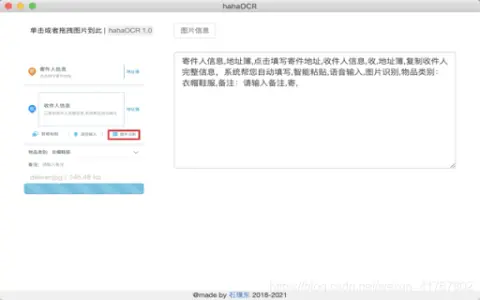
Introduction
Extract text from images and exit with ESC.
What are the Image to Text and ESC Exit App AI Chrome extensions/plugs?
This application allows users to extract text from images and convert it into editable text. Users can upload images by clicking a button and exit the application by pressing the “ESC” key.
How to use the Image to Text & ESC Exit App AI Chrome extension/plug-in?
Click the upload button to select an image. The application will automatically extract the text from the image and display it. Press the “ESC” key to exit the application.
The core functionality of the Image to Text and ESC Exit App AI Chrome extension/plugin.
Image to Text conversion
Use the ESC key to exit the function.
Related
CT Read
An AI-powered tool for interpreting medical images such as X-rays, CT scans, MRIs and ultrasounds.
FluteSpace Radiology Co-pilot
An AI assistant for radiologists that improves reporting and productivity.
Health AI
AI-based health application that provides personalized insights and health management.
Hedda App
Personalized health optimization with AI-driven diagnostics and expert advice.
Cenote
Artificial intelligence automates medical practice back-office work, improving patient care and revenue.
carepredict.com
Artificial intelligence-based wearable devices, used in elderly care to detect early signs of health problems.