AI TOOL / #07036
Keep it shot
Mac app for AI-powered screenshots and media file renaming and offline search.
Introduction
Mac app for AI-powered screenshot and media file renaming and offline search.
What is Keep It Shot?
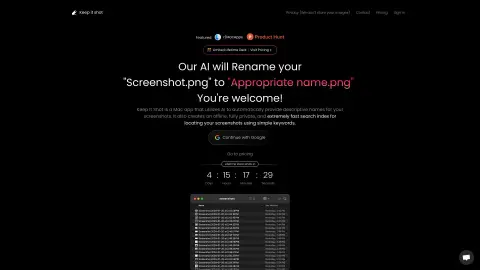
Keep It Shot is a Mac app that uses AI to automatically give your screenshots and other media files descriptive names. It creates an offline, completely private, and fast search index that locates your files by keyword. It also allows batch renaming of files and reverting to original names if needed.
How to use Keep It Shot?
Download the Keep It Shot Mac app. Define your renaming preferences. The app uses AI to automatically rename screenshots and other media files. Find files by keyword using offline search.
Keep It Shot Core Features
AI-driven screenshot and media file renaming
Offline, private and fast search indexing
Batch rename
Revert to original name
Related
Audionotes Pro
AI note-taking tools convert speech, text, and video into structured summaries and content.
Voiceform
Voiceform allows users to create conversational surveys and forms using voice, video, audio, and text.
Mirtilla
AI-based meeting management and analysis tools that include transcription, summarization, and note-taking features.
Neural Scribe
Neural notes leverage AI transcription and formatting technology to simplify the recording of medical documents.
Amurex
Open-source AI: unified work processes that connect knowledge and automate tasks.
Convictional
A platform designed for context-based decision-making, collaboration, and goal alignment, utilizing AI technology.