AI TOOL / #06276
Message AI
Cross-platform AI chat application that supports iCloud synchronization, as well as text-to-image and text-to-speech functions.
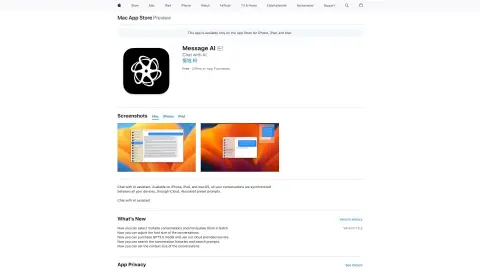
Introduction
Cross-platform AI chat app with iCloud sync, text-to-image, and text-to-speech.
What is Message AI – GPT TTS?
Message AI – GPT TTS is a cross-platform application available for iPhone, iPad, and Mac. It enables users to chat with the AI assistant, synchronize conversations across devices via iCloud, and utilize features such as text-to-image and text-to-speech conversion. The app also offers a keyboard extension that allows access to the AI within any other application, and supports custom prompts.
How to use Message AI – GPT TTS?
Download the app from the App Store, start a conversation, and chat with the AI assistant. You can also use the keyboard shortcuts in other apps to access the AI features. Customize the prompts and make use of the text-to-image and text-to-speech functions.
The core functionality of Message AI – GPT TTS
AI chat assistant
Cross-device iCloud synchronization
Text-to-image generation
Text-to-speech function
Customizable prompts available.
Accessing AI-powered keyboard extensions in any application.
Related
SaaS Toolkit
SaaS-based analysis, automation, and AI-powered customer service
ToolJet
An open-source platform for building AI tools and systems
aiteam.space
Each agent has its own container and email address.
MuseMate
Creating short music videos for independent musicians to use for promotional purposes
AgentMsgr
Bring AI agents from different platforms together into a group chat.
AlterContacts
Help consultants keep track of each customer’s AI relationship assistant.