AI TOOL / #02182
Autodoc
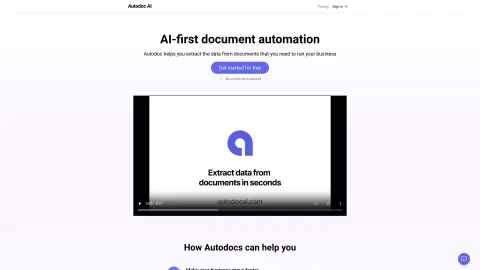
Autodoc extracts data from documents by using simple Chinese definitions and straightforward procedures.
Introduction
Autodoc extracts data from documents using plain English definitions and simple steps.
What is Autodoc?
Autodoc is capable of extracting data from documents. Without the need for complex formats or settings, users can simply define the content they want in Chinese, upload their documents, obtain the desired results, and then export them to their preferred tools.
How to use Autodoc?
Steps to use Autodoc: 1) Define the content you want to document in simple Chinese; 2) Upload the document; 3) Obtain the results; 4) Export them to your preferred tool.
The core features of Autodoc
Extract data from the document.
Define the extraction requirements in simple Chinese terms.
Upload documents with ease.
Export data to various tools.
Related
Scanflow
An AI-powered platform for data capture and workflow automation, suitable for use with intelligent devices.
RTA.POKER
Real-time assistance software ...
parseur.com
AI-based data extraction software for PDFs, emails, and documents.
Image to Text
Online tools and browser extensions that instantly convert images into text.
Capios
Capios is a beta OCR, screenshot, and video capture tool for testing.
Quick OCR Chatbot Connector (Free)
A Chrome extension that enables fast and accurate image-to-text conversion, featuring integration with chat bots as well as text-to-speech functionality.